Before / After Slider for Breakdance
A before and after comparison with a draggable handle. Show the work, not just describe it.
4 ways to style it
In the editor
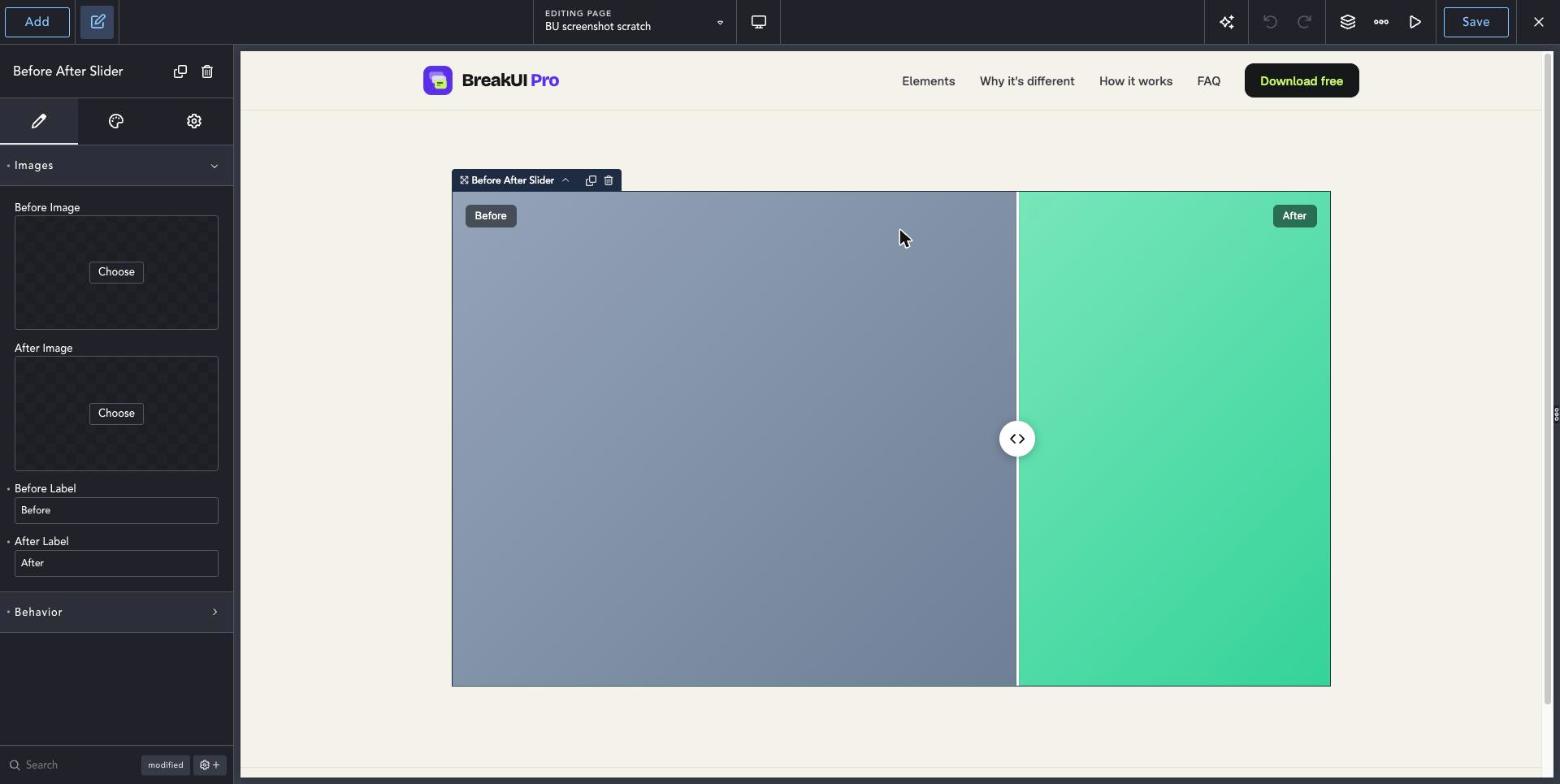
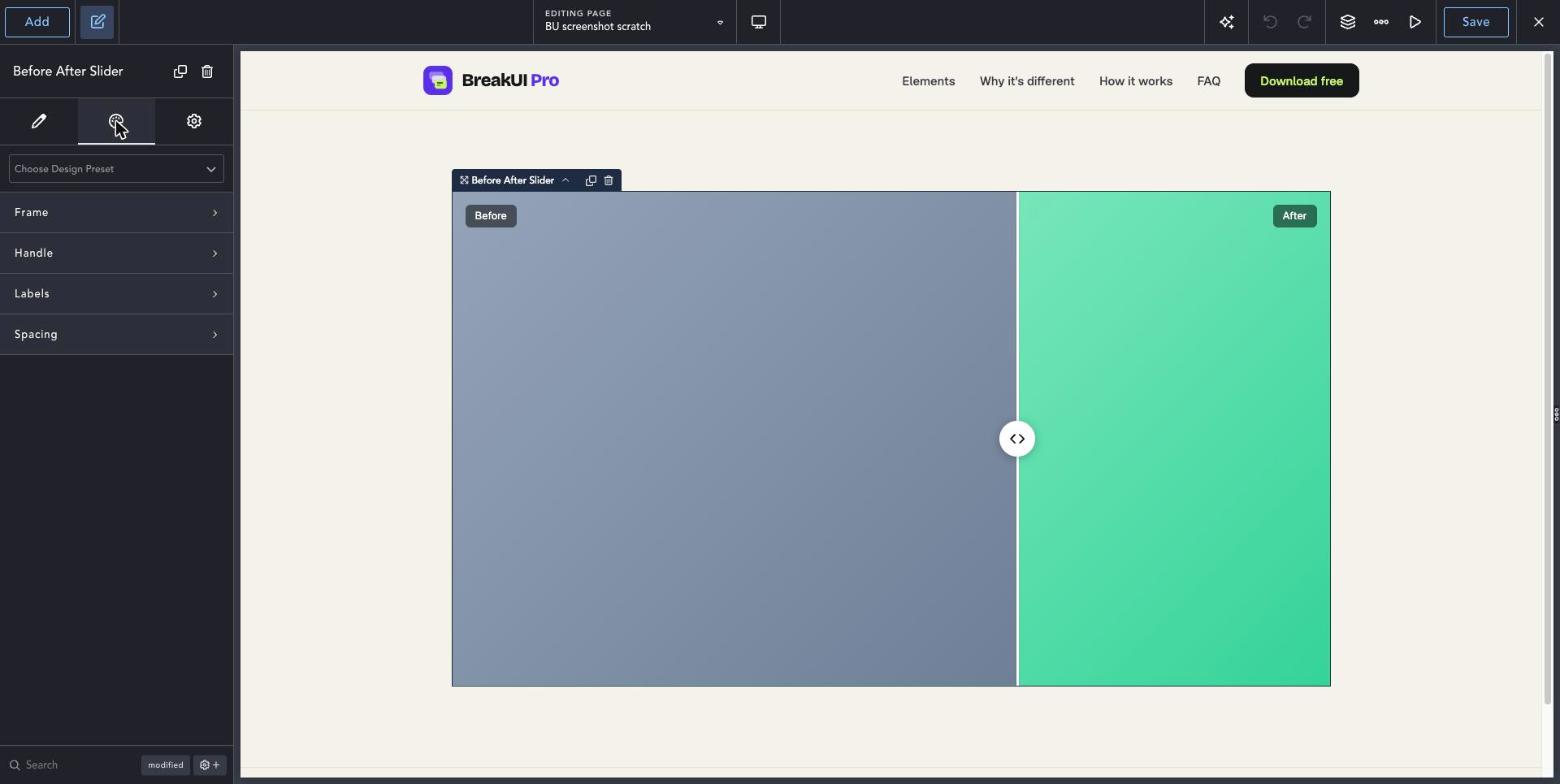
Three steps to your first Before After Slider.
Add the element
Add Before After Slider from the BreakUI Pro group on your page.
Choose two images
Pick the before and after images from the media library and add labels if you like.
Style the handle
Set a horizontal or vertical split, the start position and the handle and line colors.
Quick answers.
Common questions about Before After Slider.
Does it work on touch screens?
Yes. Visitors can drag with a finger, and use the arrow keys on a keyboard.
Do the images need the same size?
Use two images with the same ratio for the cleanest result. The slider keeps that ratio as the page resizes.
Does it slow the page down?
No. Images load lazily and the script only loads on pages that use the element.
Is it included in BreakUI Pro?
Yes. It is one of the 8 elements in BreakUI Pro, $29 for unlimited sites.
Get BreakUI Pro for $29.
Install it in a minute and have your first element on the page before your coffee cools.
$29, unlimited sites
Version 2.0.22, 714 KB
- 8 elements, more on the roadmap
- One license, unlimited sites and client sites