WhatsApp Chat for Breakdance
A floating WhatsApp button with a chat popup, pre-filled messages, online or away hours, a message box and click tracking. For Breakdance.
5 ways to style it
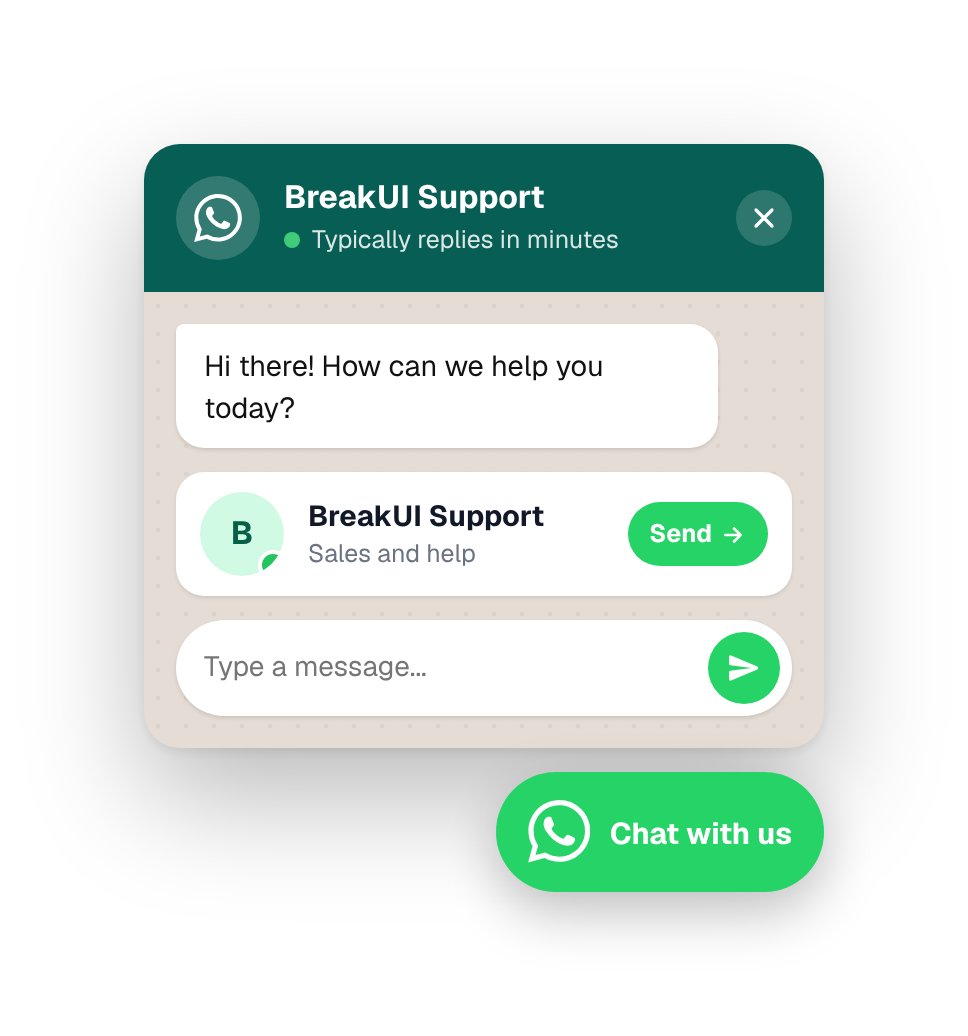
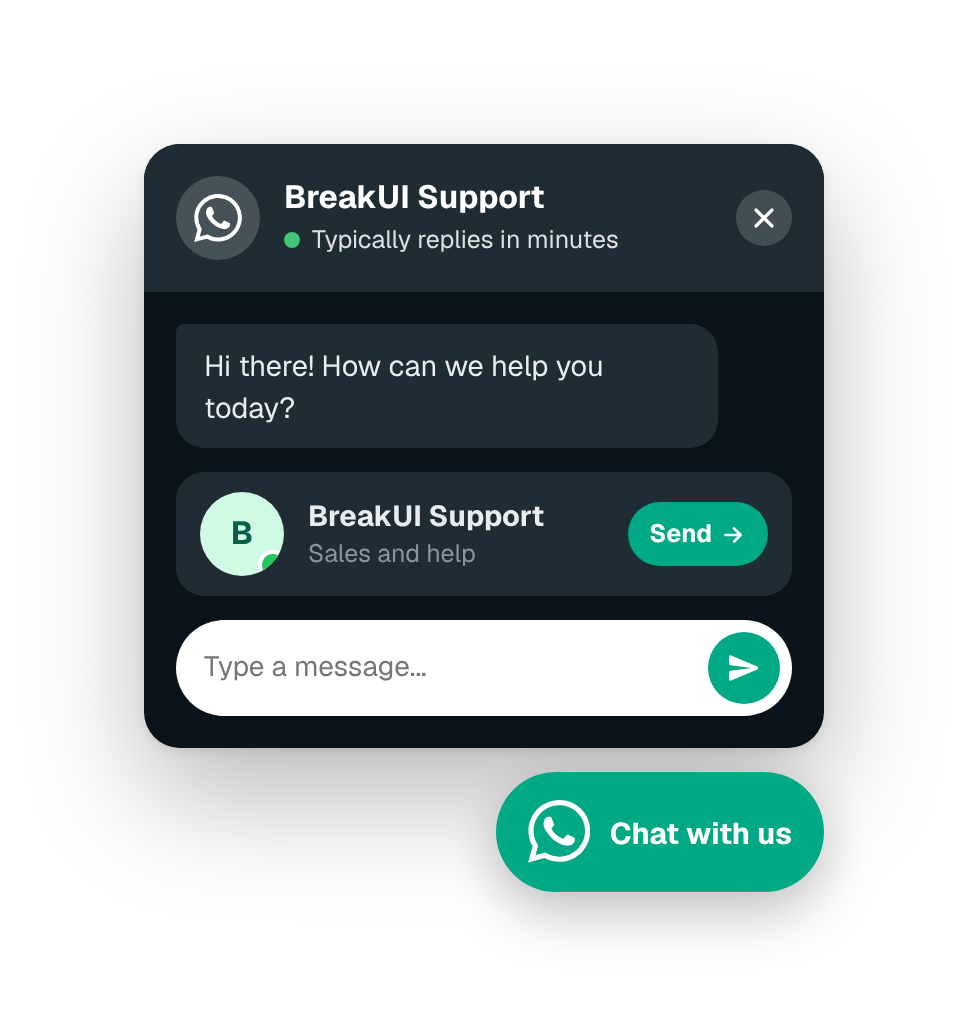
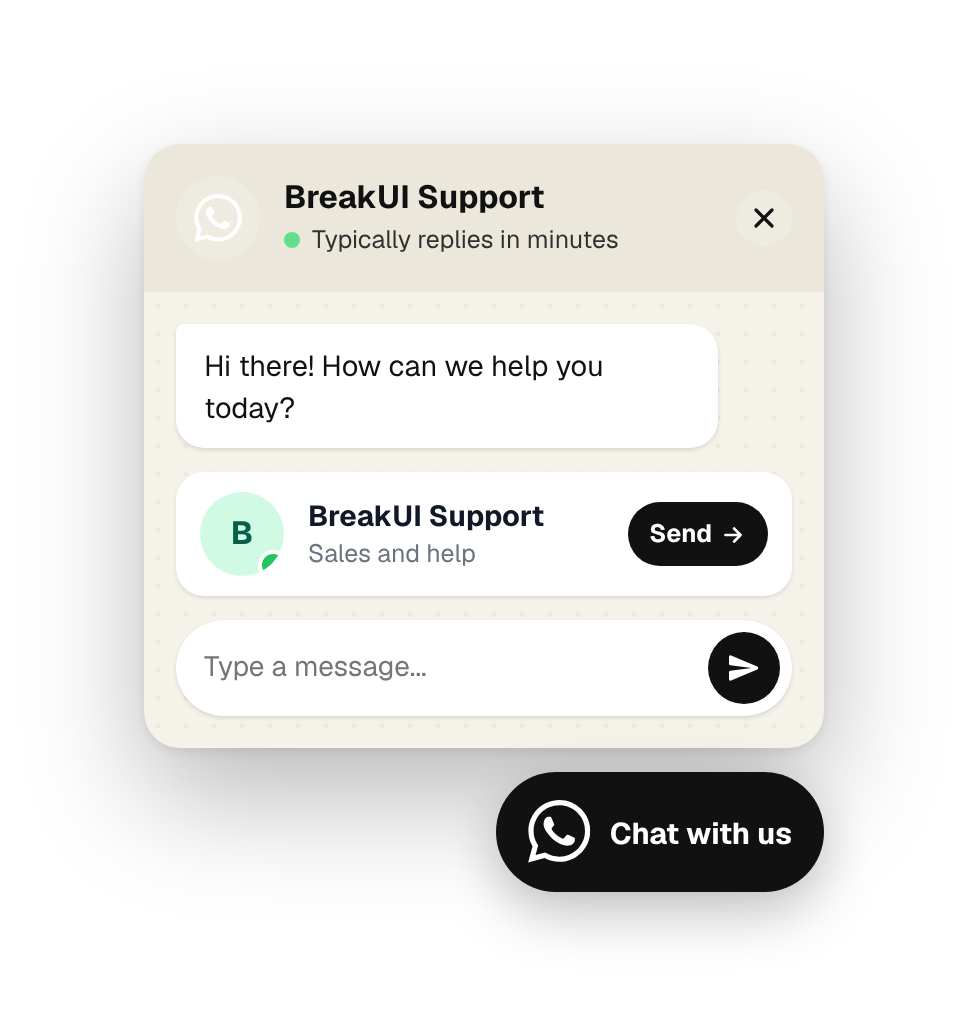
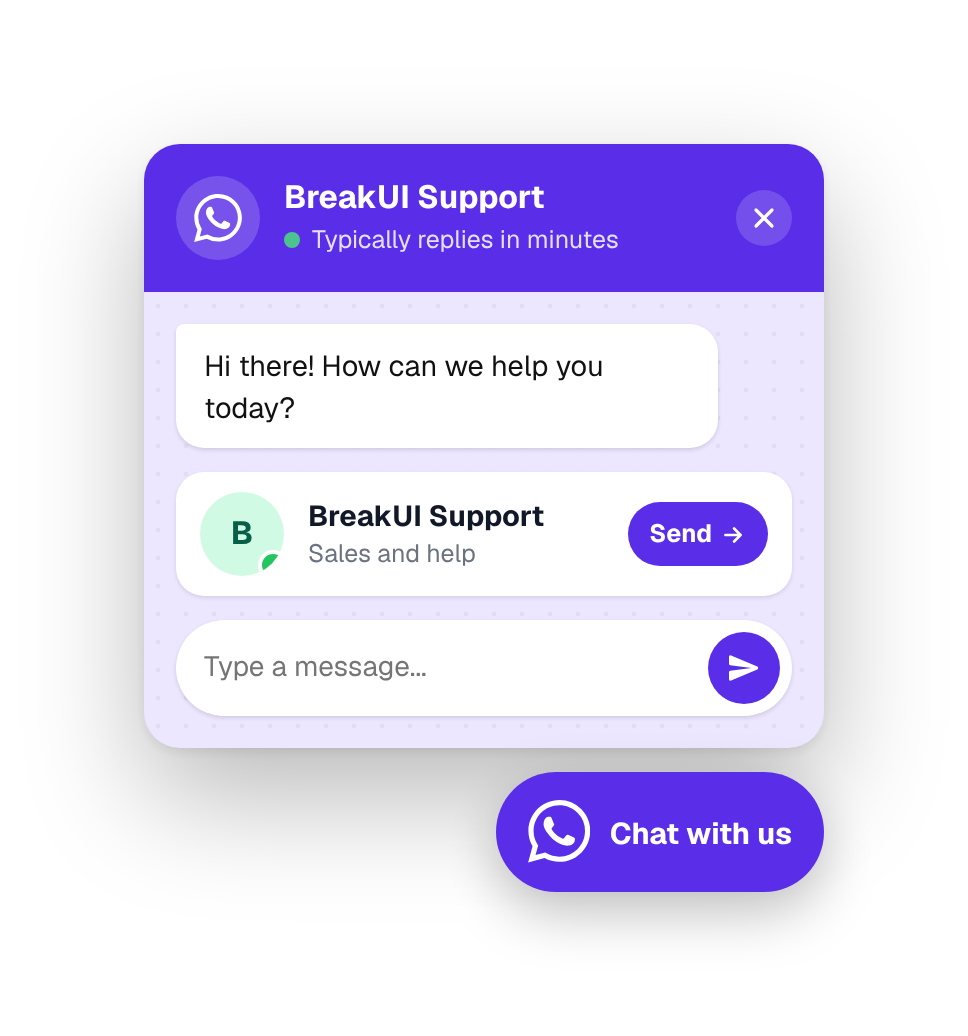
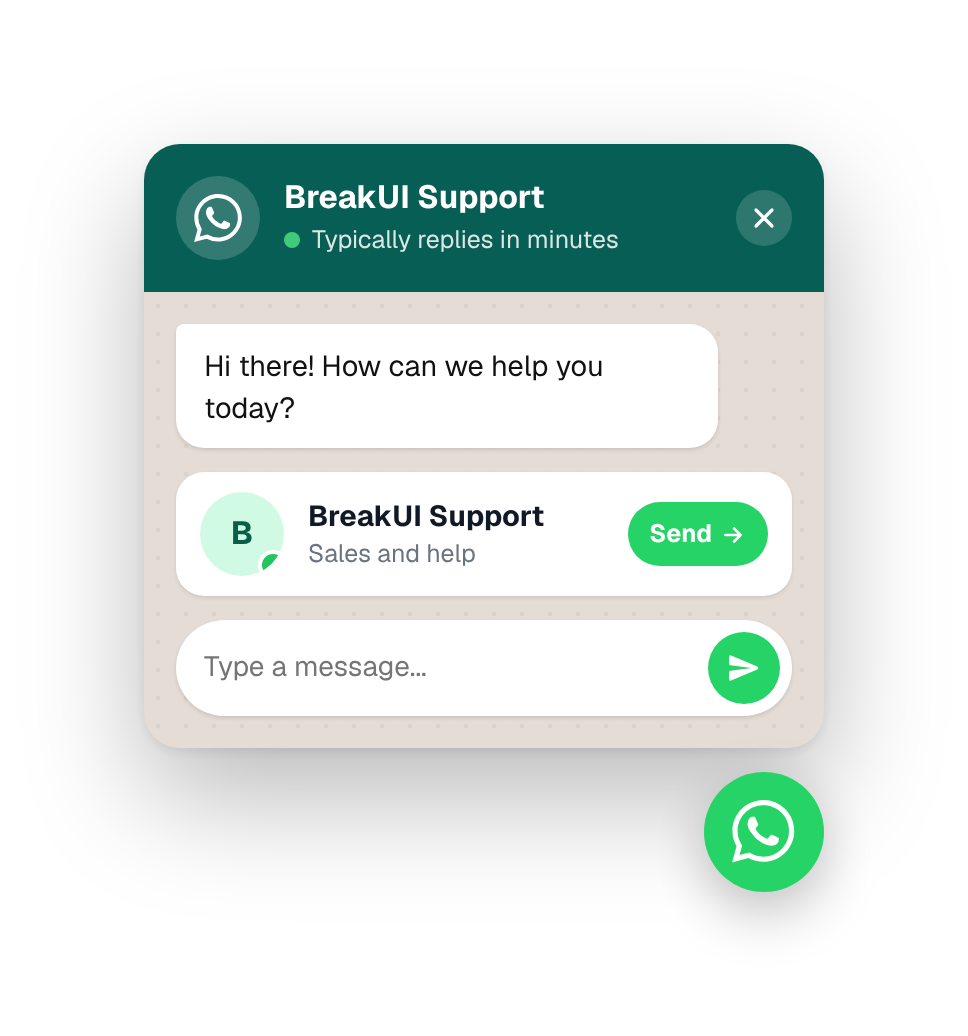
In the editor
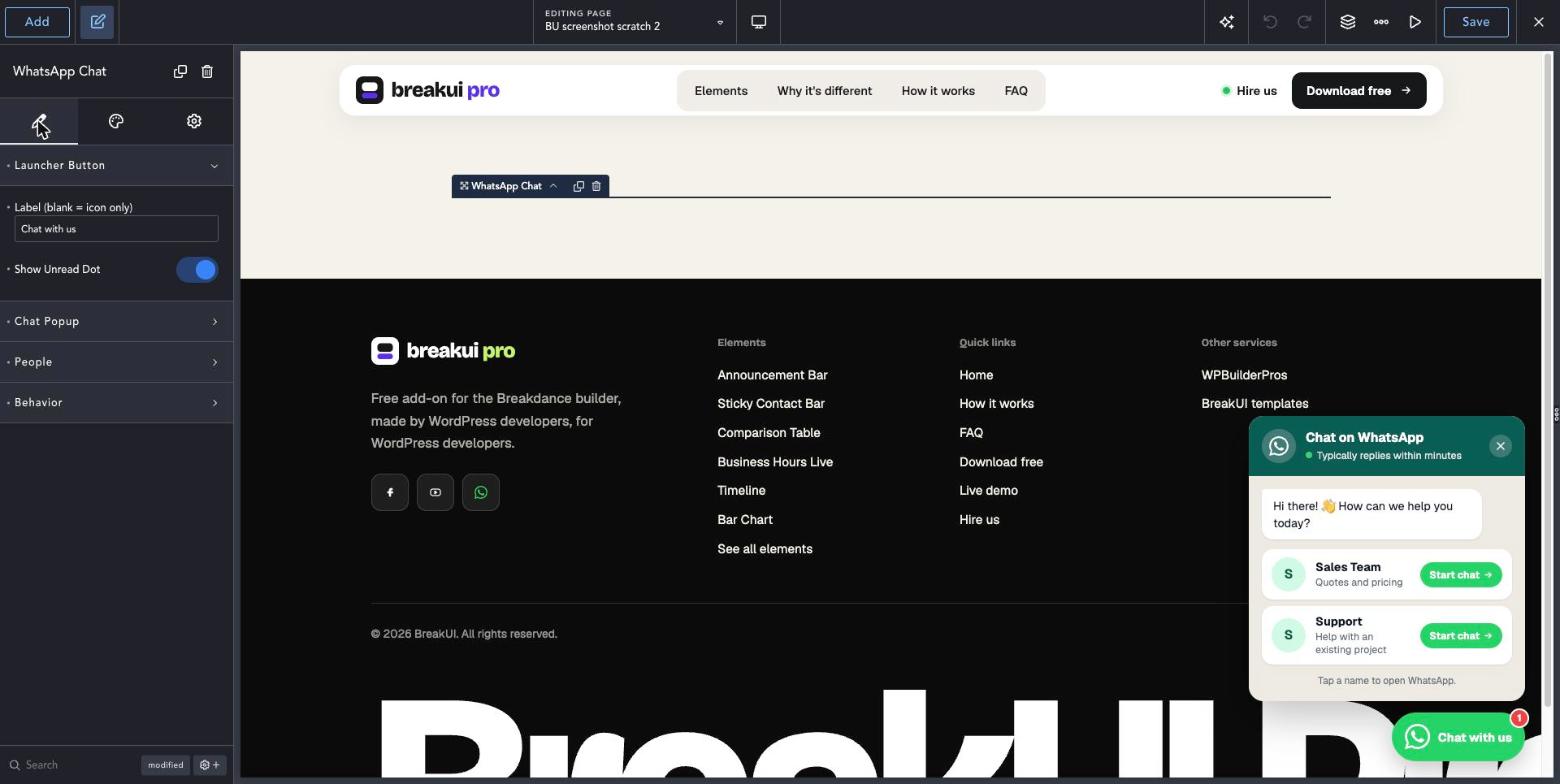
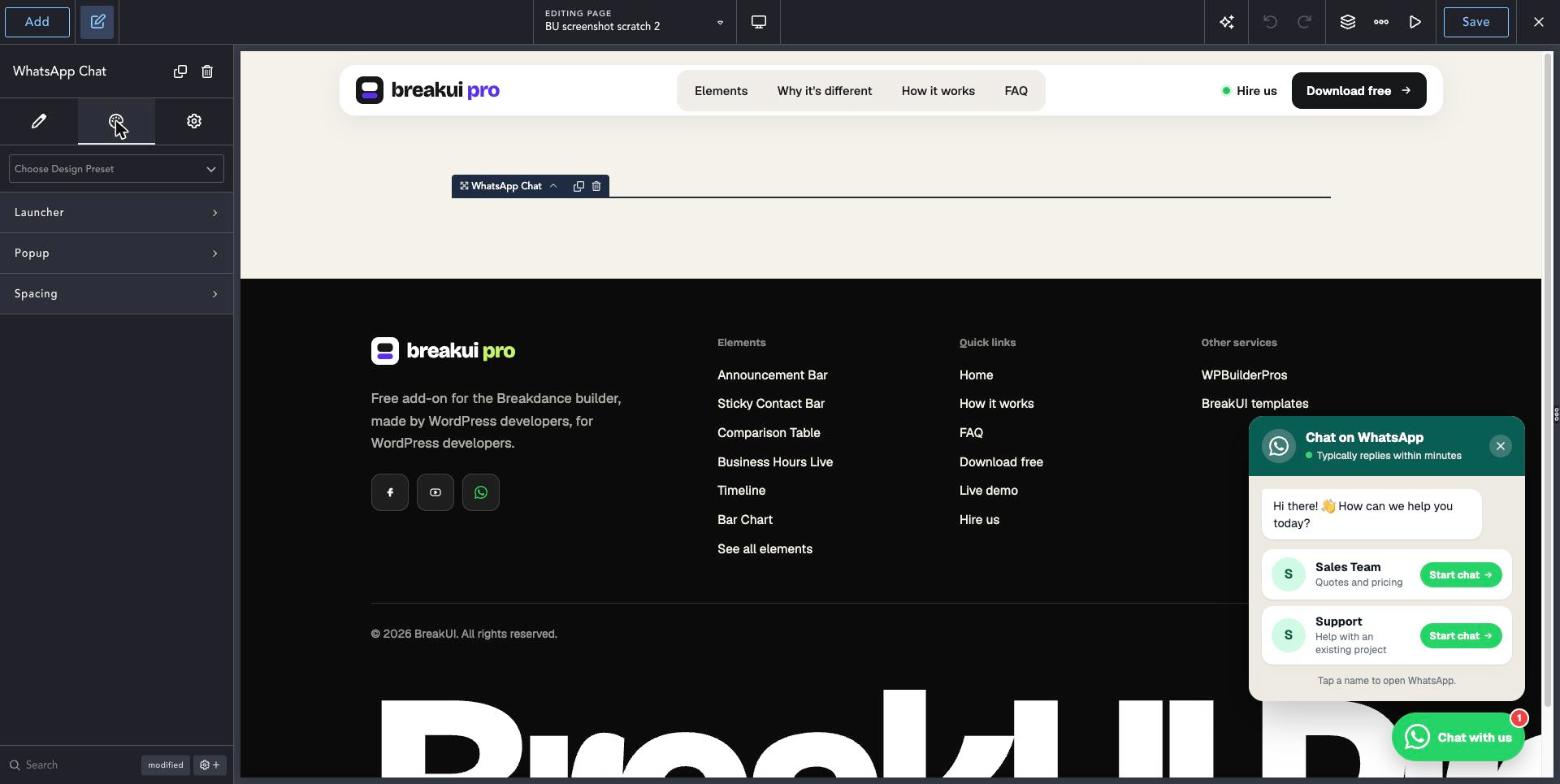
Three steps to your first WhatsApp Chat.
Add the element
Open a page or your header in Breakdance and add WhatsApp Chat from the BreakUI Pro group.
Add your team
Enter your WhatsApp number, add people with photos and roles, and write the greeting.
Set the hours
Choose your opening hours so visitors see online or away, then style the button and popup.
Quick answers.
Common questions about WhatsApp Chat.
Does it need a WhatsApp Business account?
No. It opens a normal WhatsApp chat with the number you enter, so a regular or Business number both work.
Can I add more than one person?
Yes. Add as many people as you like, each with a photo, role and their own number.
Can I track clicks?
Yes. Every click can be sent to GA4 or Google Tag Manager as an event.
Is it included in BreakUI Pro?
Yes. It is one of the 8 elements in BreakUI Pro, $29 for unlimited sites.
Get BreakUI Pro for $29.
Install it in a minute and have your first element on the page before your coffee cools.
$29, unlimited sites
Version 2.0.22, 714 KB
- 8 elements, more on the roadmap
- One license, unlimited sites and client sites


Tap a name to open WhatsApp.