Contact Hub for Breakdance
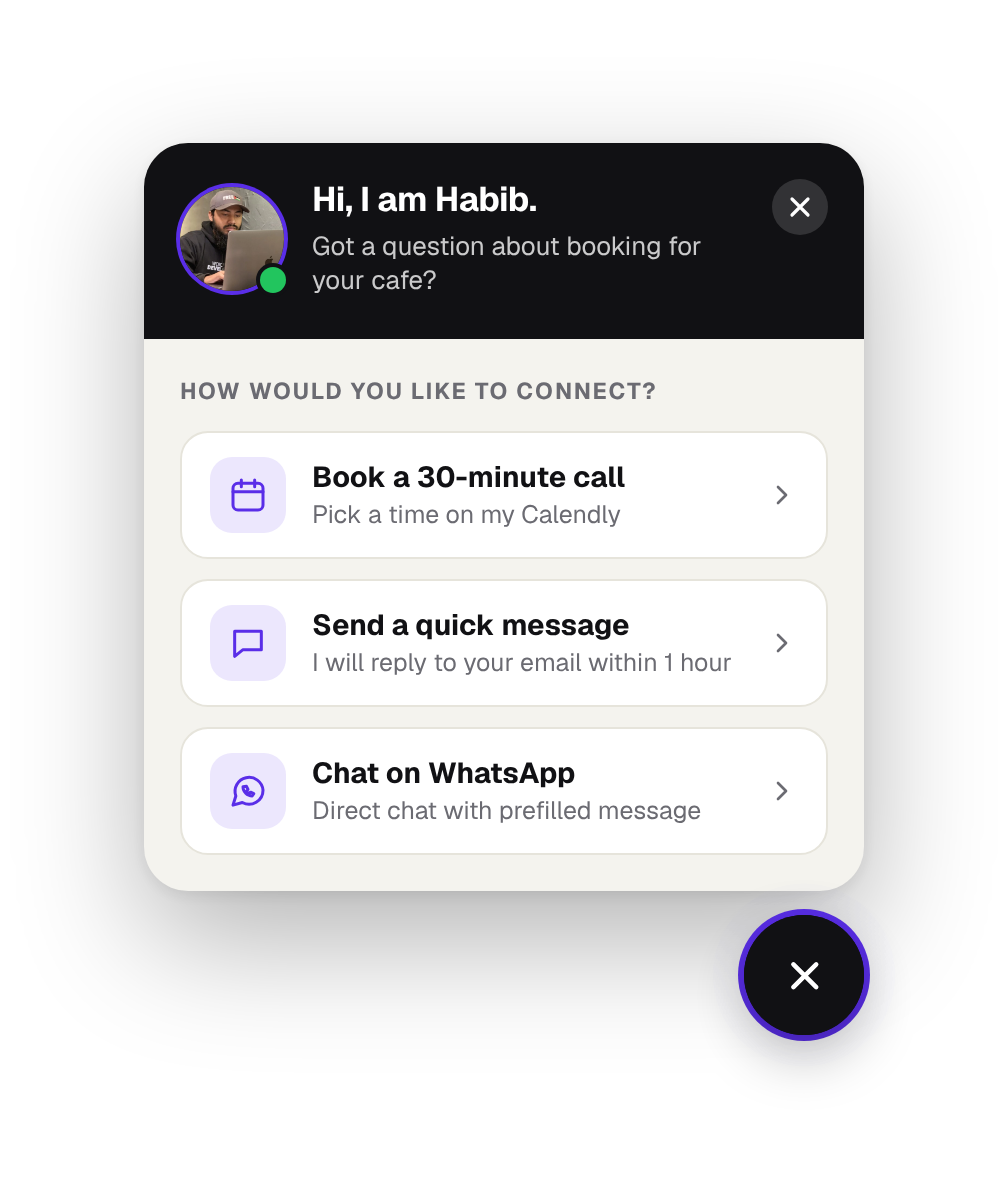
A floating photo button that opens a card of ways to reach you: book a call, send a message, chat on WhatsApp. New: chat teaser bubbles start the conversation. Add your own screens and drop a Breakdance form or any element inside them.
One button, as many screens as you need.
The floating button opens a card. Build the options list, then add your own screens in the builder. Drop the native Breakdance Form or any element inside them.
Your own screens
Select Contact Hub, open Screens and click Hub Div. Name it, then link any option to it. Each screen gets its own Back link.
Native Breakdance Form
Place the Breakdance Form Builder in a screen: email, saved submissions, webhooks and every field type, styled in the builder.
Call, WhatsApp, email, link
Each option can open a link, dial a number, start a WhatsApp chat or write an email.
Show it when you want
Delay, scroll percentage, auto-open, left or right side, and phones only or desktop only.
Fully styleable
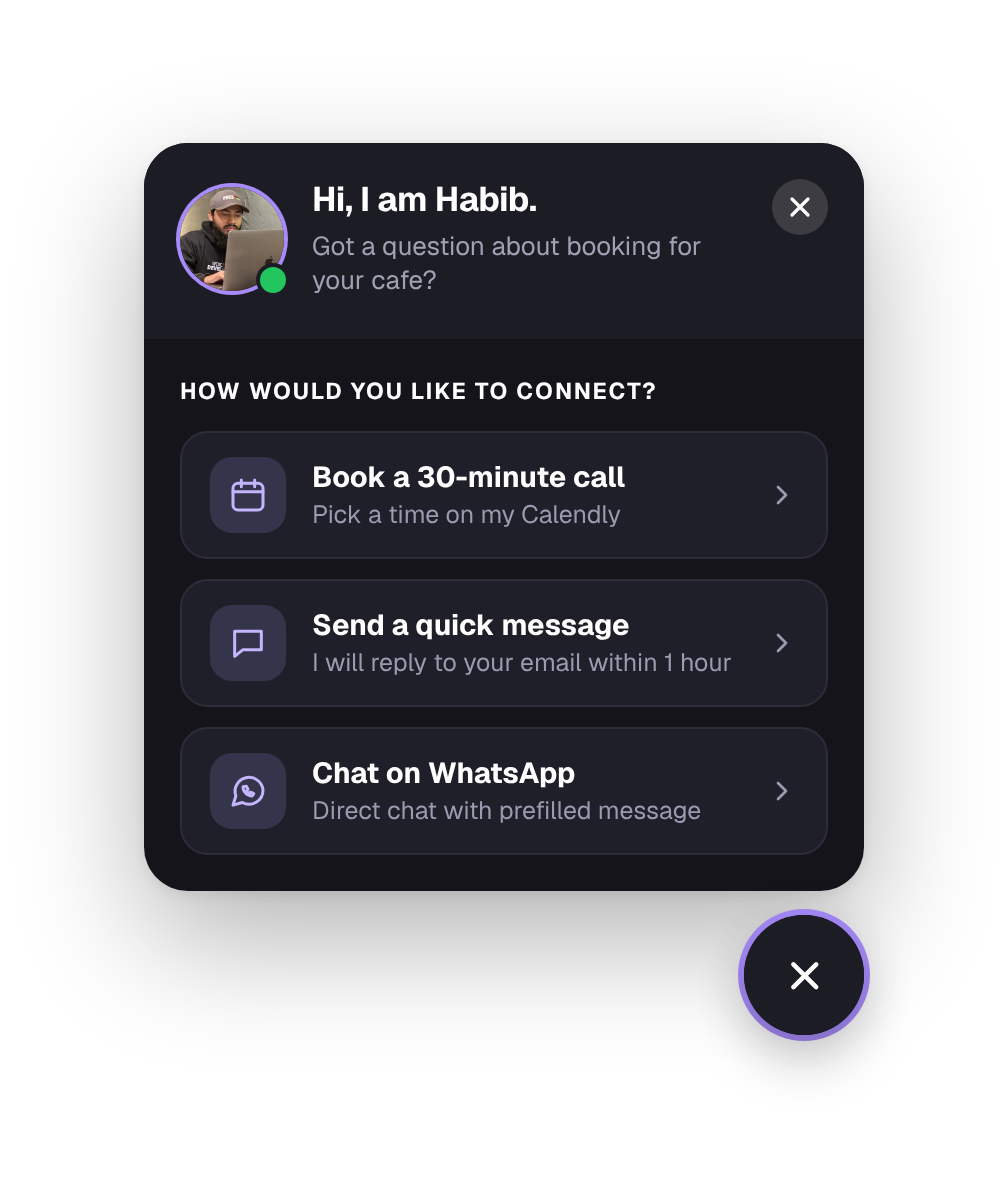
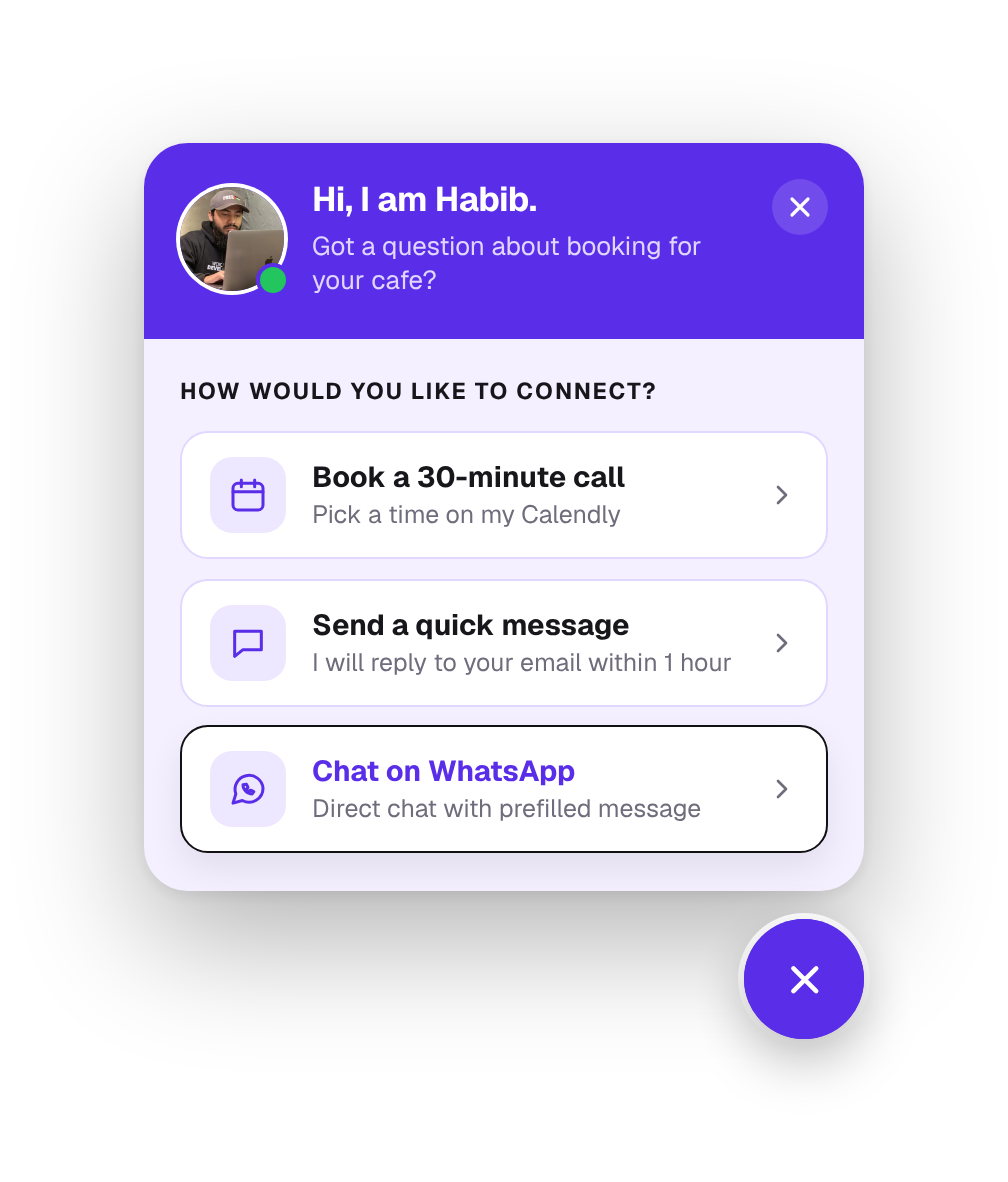
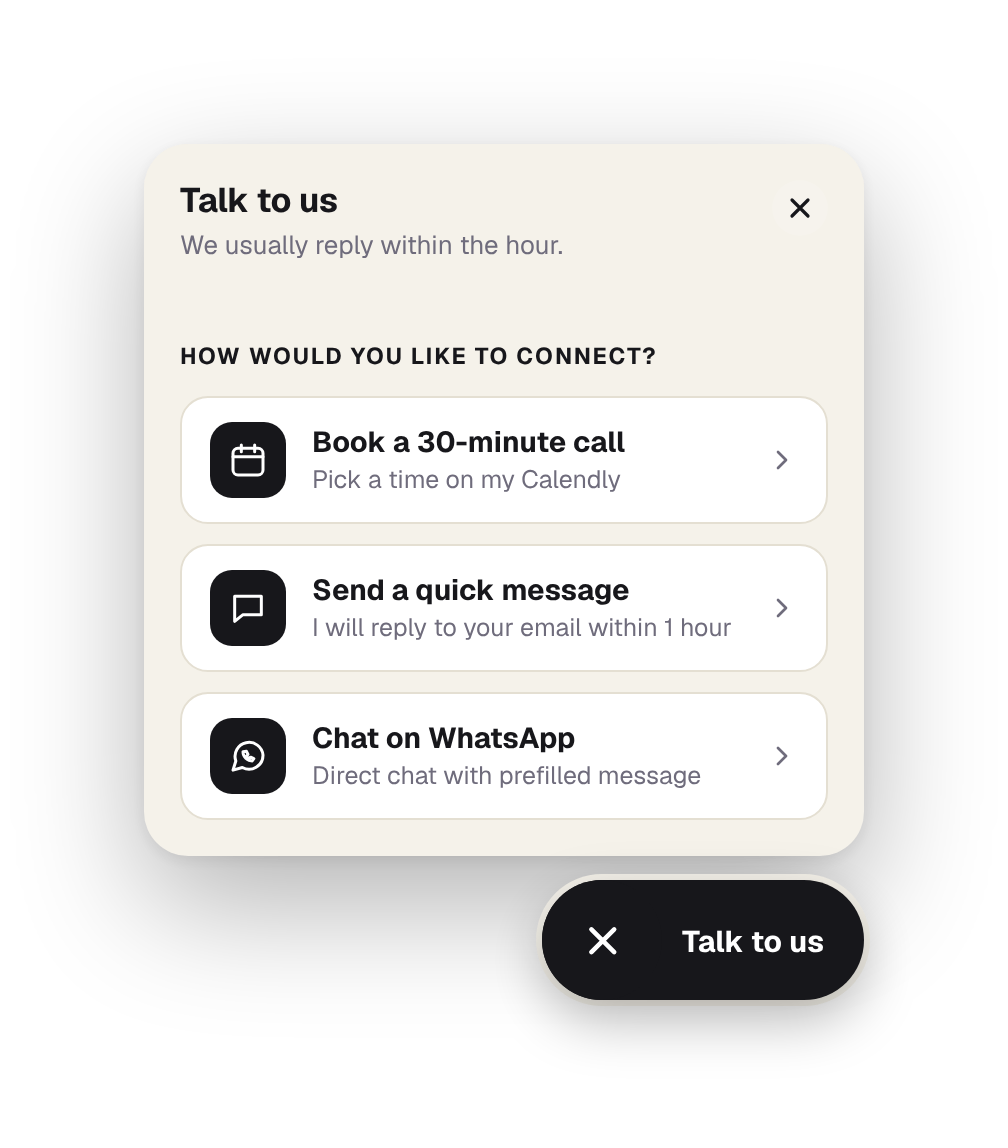
Colors, sizes, shape, ring, shadow, borders and spacing for the button, card and option rows, plus a Back link design on every screen.
Chat teaser
Message bubbles pop up above the button with typing dots and an unread badge, then a last bubble opens the card. Set the text, timing, colors and type.
 Hi, I am Monir.Questions about BreakUI Pro or a custom build?
4 ways to style it
Three steps to your first Contact Hub.
Add the element
Add Contact Hub from the BreakUI Pro group on any page, or in your header or footer.
Pick your screens
Add call, WhatsApp, link and email options, or open your own screens with a Breakdance form or any element.
Style the button
Choose a photo or icon, a round, rounded or square shape, the position and colors. Your Breakdance Form stores messages and can email you.
Quick answers.
Common questions about Contact Hub.
Where do messages go?
Your Breakdance Form handles them: saved in Breakdance form submissions, emailed to you, or sent to a webhook, with the spam options Breakdance gives you.
Can I put the Breakdance form inside?
Yes, that is how the message option works. Any element can sit inside a Hub Div, including the Form Builder.
Can I show it on some pages only?
Yes. Use the normal Breakdance visibility conditions on the element.
Can I change the launcher shape and colors?
Yes. Make it round, a rounded square or a square, and set the corner radius, icon size, ring width and color, shadow and background. A photo follows the same shape.
Is it included in BreakUI Pro?
Yes. It is one of the 8 elements in BreakUI Pro, $29 for unlimited sites.
Get BreakUI Pro for $29.
Install it in a minute and have your first element on the page before your coffee cools.
$29, unlimited sites
Version 2.0.22, 714 KB
- 8 elements, more on the roadmap
- One license, unlimited sites and client sites