Back To Top for Breakdance
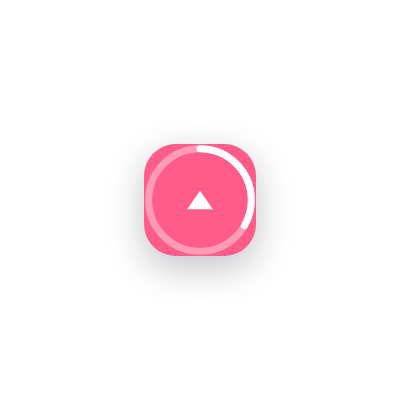
A round scroll-up button with an optional progress ring. Show it all the time or only after visitors scroll, with your own icon, colors and size.
A button that earns its corner.
Choose when it appears, how it looks and what it shows. Every option sits in the element panel.
Show it all the time
Keep the button on screen from the first pixel, or hide it until it is needed.
Or after a scroll distance
Set the scroll position, in pixels, where the button fades in.
Progress ring
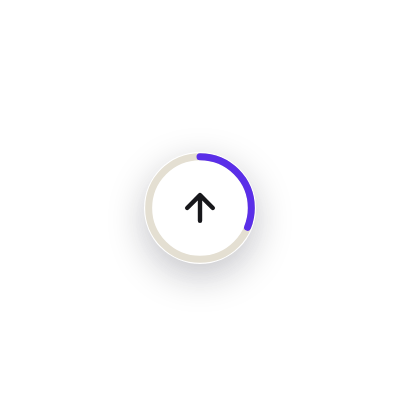
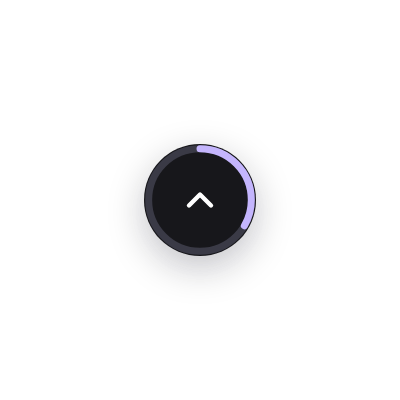
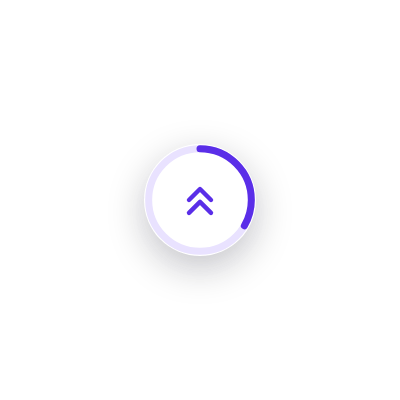
A ring around the button fills as visitors read down the page.
Your own icon
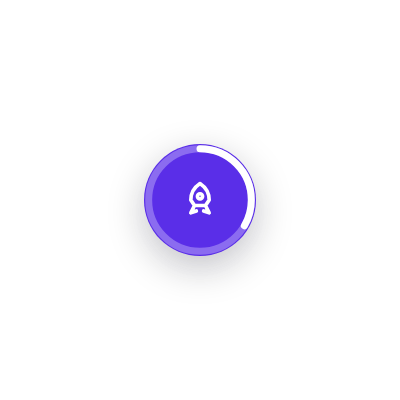
Pick an arrow, chevron or rocket, or use your own SVG icon. Add a text label if you like.
Left or right
Pick a side and set the distance from the edge. Hide it on small screens if you prefer.
Size and color
Button size, icon size, colors, hover colors and borders from the design tab.
5 ways to style it
Three steps to your first Back To Top.
Add the element
Add Back To Top from the BreakUI Pro group, ideally in your footer template so it shows on every page.
Choose when it shows
Show it always or after visitors scroll a set distance, and add the progress ring if you like.
Make it yours
Pick an icon, size, colors and position on the left or right.
Quick answers.
Common questions about Back To Top.
Does it work on every page?
Yes, when placed in a global template such as the footer. Place it on one page for a single use.
Does it respect reduced motion?
Yes. Visitors who ask for less motion get an instant jump instead of a smooth scroll.
Can I use my own icon?
Yes. Pick one of five built-in icons or add your own.
Is it included in BreakUI Pro?
Yes. It is one of the 8 elements in BreakUI Pro, $29 for unlimited sites.
Get BreakUI Pro for $29.
Install it in a minute and have your first element on the page before your coffee cools.
$29, unlimited sites
Version 2.0.22, 714 KB
- 8 elements, more on the roadmap
- One license, unlimited sites and client sites